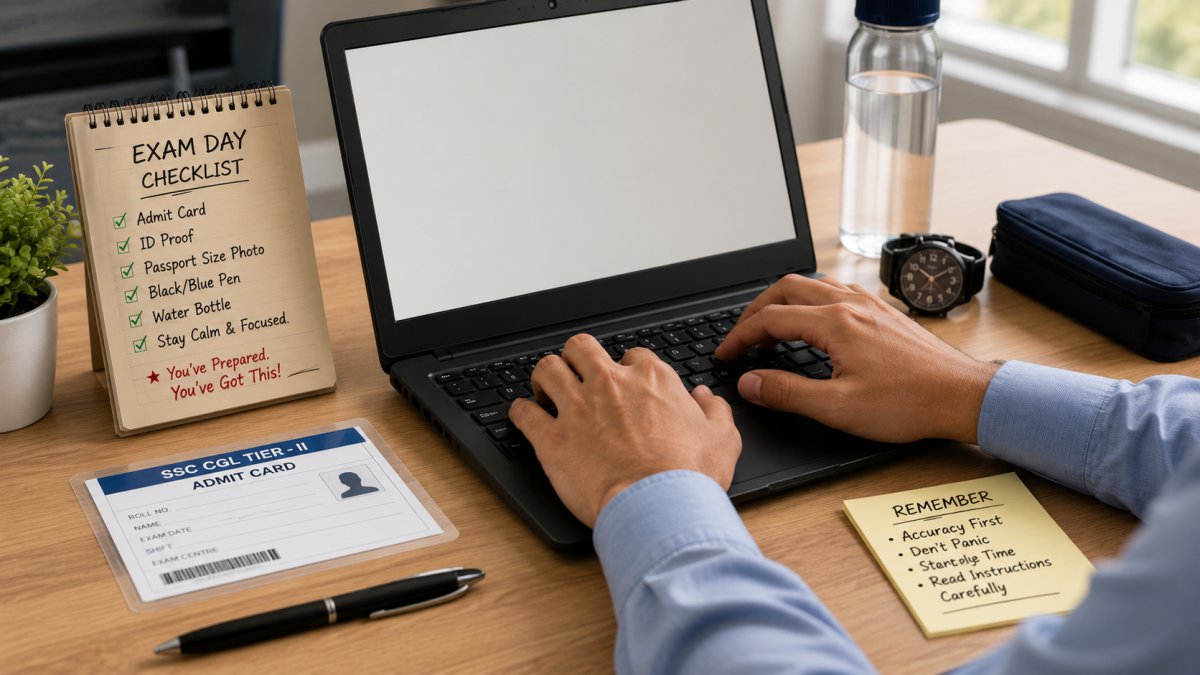
Exam day is different. No matter how much you practice at home, the actual exam centre throws new things at you. Different keyboard. Cold room. Strange chair height. People typing loudly around you. And a timer that feels like it is going twice as fast as normal.I prepared well for my SSC CGL typing test. My practice speed was solid at 40 WPM. But I still made small mistakes on exam day that cost me time. Nothing that failed me, but things I wish I had known before walking into that hall.
So this article is about exam day only. Not how to build speed. Not what to practice. Just what to do from the night before your exam until you submit your test.If you still need to build your speed first, go take a free SSC CGL typing test and check where you stand right now.
The Night Before Your Exam
Do not practice typing the night before. I know it feels wrong to stop. But your fingers are like any muscle. They need rest before a performance. Practicing late into the night creates fatigue that shows up the next morning as slow, stiff fingers.
Stop all practice by 8 PM. After that just relax.Keep everything ready the night before. Admit card, photo ID, pen. Put them in your bag right now. Exam morning is not the time to search for your Aadhaar card in a pile of papers.
Eat properly and sleep at least 7 hours. Tired brain makes more typing errors. This is not an opinion. This is just how the brain works. A well rested candidate with 36 WPM will outperform an exhausted candidate with 40 WPM practice speed every time.
Exam Morning
Wake up with enough time to not rush. At minimum two hours before you need to leave. A rushed morning creates anxiety that stays with you inside the exam hall.Eat something light. A banana, toast, some curd rice. Whatever you normally eat. Do not eat something heavy or oily. Heavy food makes you feel slow and drowsy and 15 minutes of focused typing while drowsy is genuinely difficult.
Do this one small thing before leaving. Stretch your fingers for two minutes. Open your hands wide, spread all fingers as far as they go, hold for 3 seconds. Then close into a fist, hold for 3 seconds. Repeat ten times. Then rotate your wrists slowly in circles, both directions, ten times each. This increases blood flow to your hands and your fingers feel much more responsive when you sit at the keyboard.
At the Examination Centre
Reach at least 30 minutes before your reporting time. Not 5 minutes before. Not exactly on time. 30 minutes early.This buffer lets you find your hall without rushing, locate your seat calmly, and sit for a few minutes before anything starts. Candidates who arrive late or just on time carry that rushing energy into the test. It takes several minutes to calm down and those minutes are expensive inside a 15 minute exam.
When you sit at your assigned computer, look at the keyboard before the test begins. Just look. Notice if the keys look worn out. Notice the layout. If there is any time before the demo session starts, place your fingers gently on the home row keys and feel the keyboard without pressing anything. Just get familiar with how it feels.
The Demo Session: Do Not Waste It
This is the most important part of exam day that almost nobody talks about properly.Before the actual 15 minute test, SSC gives you a 5 minute demo session. A demo passage appears on screen and you type it on the actual computer you will use for the real test. Most candidates just type casually through the demo and treat it like a throwaway warmup.
That is a mistake.The demo session is your only chance to learn this specific keyboard before your score starts counting. Use it like this.In the first minute type slowly and pay attention to how the keys feel. Is this keyboard stiffer than yours at home? Do the keys need more pressure or less? Is the spacebar slightly off center? Notice everything.
In the next two minutes type some words that contain your problem keys. If you know Q and Z give you trouble then specifically type words with Q and Z during the demo. Find out right now if those keys behave differently on this keyboard. Better to know in the demo than to discover mid test.
In the last two minutes type at your normal exam pace. Just build your rhythm. When the actual test begins you want your hands to already be in the zone, not still warming up.Five minutes used this way is worth more than two hours of random practice the week before.
When the Actual Test Starts
The timer begins and most people either panic and type too fast or freeze and type too slowly. Both are bad.Start at your normal comfortable practice speed. Not faster. The speed you hit on a regular practice session at home is the right speed to start with. Your hands know that speed. Trust them.
Many candidates instinctively try to type faster because the exam timer is visible and it creates pressure. Typing faster than your comfortable speed means more errors. More errors means lower effective WPM. You end up with a worse score than if you had just typed at your normal pace.
Breathe normally. Keep your eyes on the passage on screen. Do not look at the keyboard. Do not look at other candidates typing. Look only at the passage and your input box.
How to Handle the Timer
The timer is visible on screen and it will mess with your head if you keep looking at it.Make a decision before the test starts. Tell yourself you will check the timer only twice. Once at the 10 minute mark and once at the 13 minute mark. That is it. Those two checks give you enough information to manage your pace without the constant anxiety of watching seconds disappear.
At 10 minutes remaining check how much passage you have left. If you are roughly two thirds done you are on pace. If you are behind, pick up speed slightly. Not a lot. Just a small step up.
At 13 minutes check again. If you are near the end of the passage, maintain pace and finish smoothly. If a lot of passage remains, increase your speed now. This is the only time it is okay to push hard even if errors increase slightly.
If You Make Errors Mid Test
Everyone makes errors in the actual test. Do not panic when it happens.For small errors like one wrong letter, use backspace and correct immediately if you catch it right away. If you only notice it a few words later, leave it and keep typing. Going back mid passage breaks your rhythm and costs more time than the error itself.
If you make several errors in a row and feel your hands tensing up, take one slow breath. Just one. Then refocus on the current word only. Not the whole passage. Not the timer. Just the word in front of you right now. This single second reset prevents a cascade of further errors.
I practiced this reset technique during my mock sessions on ssctypingtest.in. Any time I felt distracted I would do the breath and refocus. By exam day it was automatic. My hands would reset before my brain even consciously decided to do it.
When You Finish the Passage
If you finish typing the full passage and time is still remaining, do not submit yet. Do not just sit and wait either.Scroll back to the beginning immediately. Read through what you typed. Find errors and correct them. Every corrected error improves your accuracy and your effective WPM score.
I finished my second attempt with about 2 minutes left. I found and corrected 5 errors in that time. Five corrections might sound small but for a candidate sitting right at the 35 WPM threshold those five corrections are the difference between passing and failing.Use every second available to you.
After You Submit
Once you submit, step away from the result immediately. Do not calculate in your head whether you passed. Do not ask the person next to you what their speed was. Do not compare.Your result is fixed the moment you submit. Nothing you think or say in the next hour changes it. The most useful thing you can do after submitting is eat something and rest. If you appeared for other written sections on the same day, a calm mind between sessions makes a real difference.
If you believe there was a technical problem during your test, such as a key not working or the system freezing, report it to the invigilator immediately before leaving the hall. Do not leave and then try to complain later. Technical complaints raised after leaving are much harder to process.
Common Questions About SSC CGL Typing Exam Day
What documents do I need to carry?
Your SSC CGL admit card and a valid photo ID. Aadhaar, PAN, voter ID or passport all work. Carry originals and keep a photocopy in your bag as backup.
What if the keyboard at my centre is very different from what I practice on?
This is exactly why the demo session exists. Use those 5 minutes to adjust to this specific keyboard before your score starts counting. Most adjustment happens within 2 to 3 minutes of typing on a new keyboard.
Is it okay to look at the keyboard during the actual test?
You can but it will slow you down. Your eyes spend time traveling between screen and keyboard instead of staying on the passage. Practice keeping eyes on screen during your sessions at ssctypingtest.in so it feels natural on exam day.
What if I feel very nervous when the timer starts?
Start typing immediately. The act of typing itself reduces nervousness faster than any breathing technique. Your hands know what to do. Let them start. The nervous feeling usually fades by the third or fourth minute once your rhythm takes over.
Final Thought
Everything on exam day feels more intense than practice. The timer feels faster. The keyboard feels different. Small things feel big. This is normal and it happens to everyone. The candidates who do best are the ones who have practiced enough that their hands work on autopilot even when their mind is anxious. That autopilot comes from consistent practice sessions on the right material.
Build that autopilot now with free practice at ssctypingtest.in. Take the SSC CGL tests, treat each one like a real exam, use the timer honestly, and you will walk into exam day feeling like you have already done this before. Because you have.